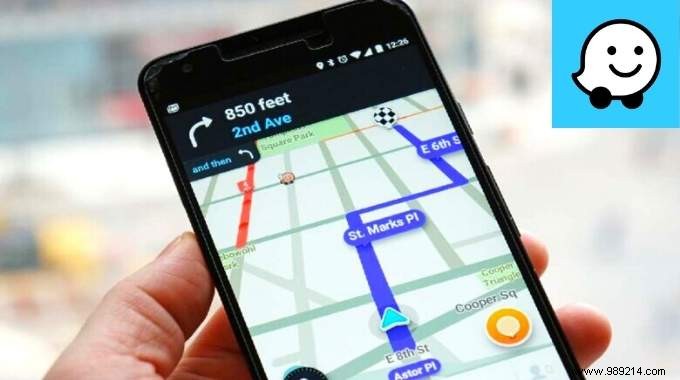
As a salesman who drives thousands of miles each week, I've mastered Waze—one of the world's most popular free GPS apps—to save time, avoid fines, and cut costs. Packed with powerful features like real-time traffic updates and customizable routes, it's indispensable for daily commutes. Here are 17 proven tips and tricks that work on both Android and iPhone.
 Contents
Google dominates GPS with Maps and Waze, but Waze stands out for drivers. Its two key strengths: real-time map updates from community reports and smart customization options.
For instance, spot an accident? Report it, and Waze instantly alerts nearby users, improving routes for everyone. Want to skip highways? Easily configurable. As a road warrior, these features have transformed my drives—no more hunting for tutorials.
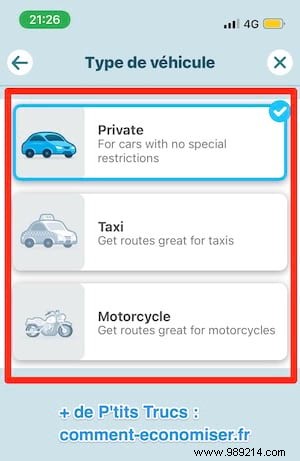
Waze adapts routes for cars, motorcycles, taxis, and more. Motorcycles get traffic-weaving estimates; taxis access dedicated lanes.
Go to Settings > Vehicle type, select yours, and watch travel times optimize.
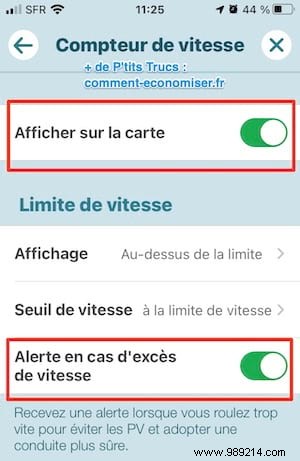
Waze helps protect your license with speed alerts. In Settings > Speedometer, enable Show on map for limits and Alert if speeding for warnings.
No more surprise tickets—I've stayed fine-free for years.
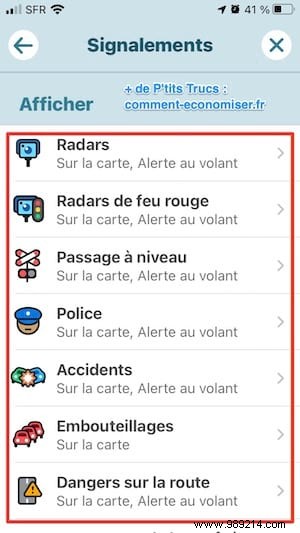
Overloaded screens? Customize in Settings > Map display > Reporting—toggle hazards or hide other Waze users for a cleaner view.
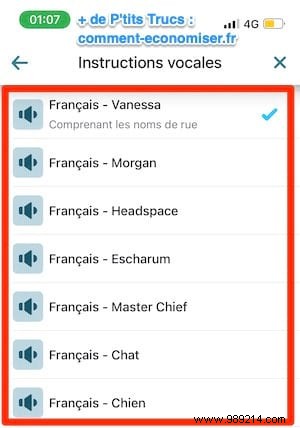
Bored of the default voice? In Settings > Voice & sound, pick from options or record your own for a personal touch—like hearing yourself say "turn left at the roundabout."
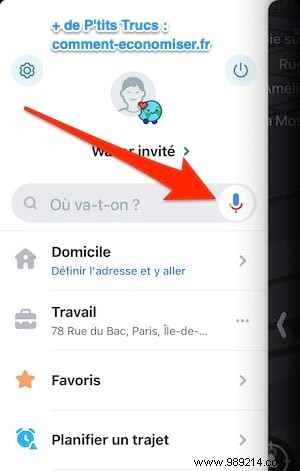
Hands-free driving: Tap the mic by the search bar, say your destination, and hit Go. Safety first.
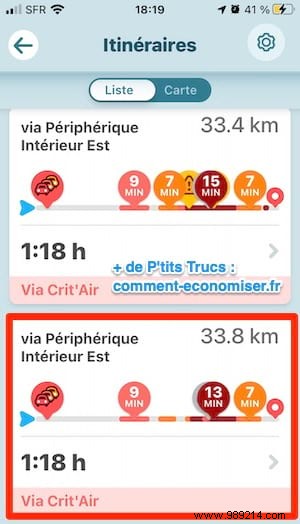
Beyond the fastest route, tap Routes (bottom-left before starting or in the nav panel) to compare options like shortest or eco-friendly.
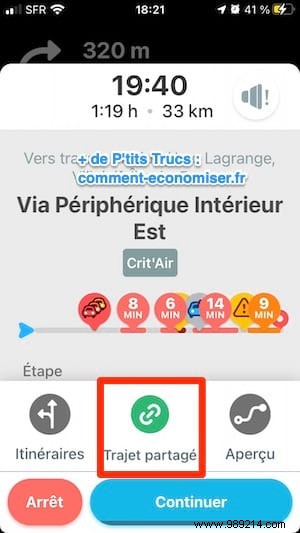
During navigation, tap Share Trip in the bottom panel, select contacts or apps (SMS, WhatsApp), and send live updates.
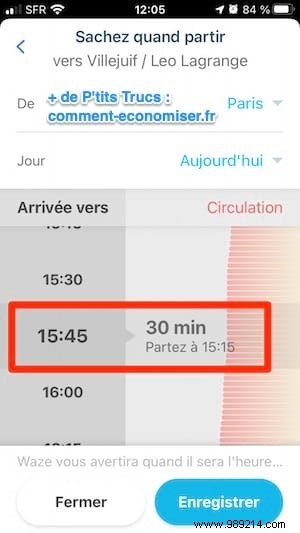
Plan ahead: Settings > Planned drives > Plan a drive. Enter destination, date, and arrival time—Waze predicts traffic and notifies you when to leave.
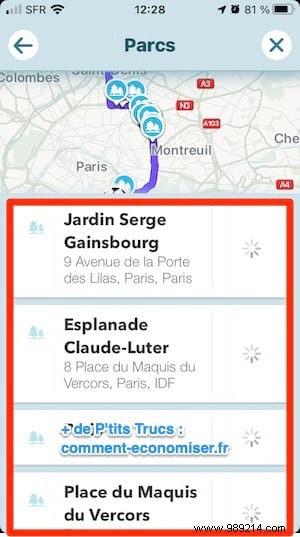
Before routing, tap the Stops magnifying glass for restaurants, parks, or hotels along your path. Waze recalculates seamlessly—perfect for family road trips.
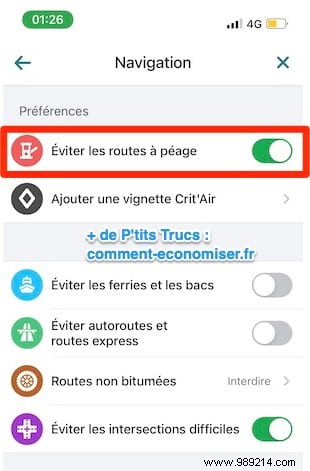
In Settings > Navigation, toggle Avoid toll roads (and highways if desired). Routes adjust without extra time or fuel burn.
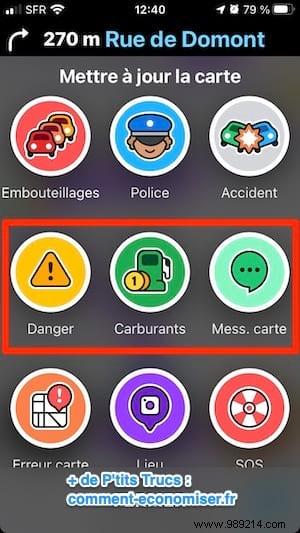
Tap the orange report icon for accidents, jams, or closures—your input helps millions. Always check others' reports before driving.
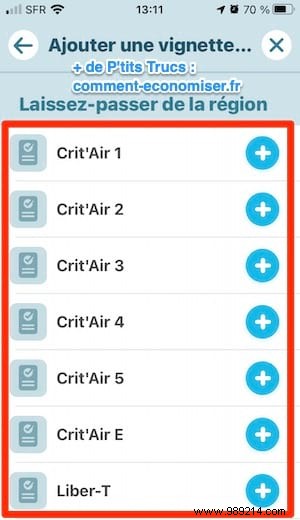
Silence those alerts: Settings > Navigation > Add Crit'Air vignette. It also flags restricted zones in cities like Paris.
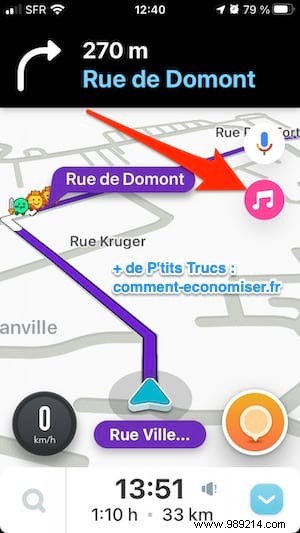
Integrate Spotify, Deezer, etc., via Settings > Audio player. A music icon appears in nav—control playback without switching apps.
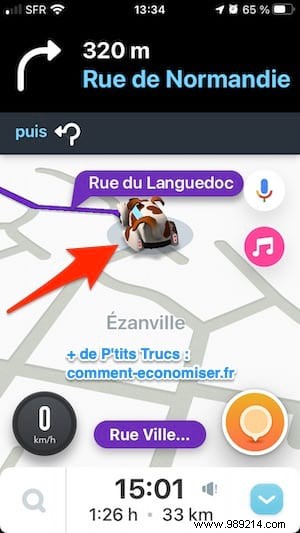
Settings > Map display > Vehicle icon—pick cars, bikes, or fun ones like the "Ouafmobile" dog.

Originally for kids, now versatile: Settings > Child reminders > Show reminders > Custom message (e.g., "Don't forget keys!") pops up on arrival.
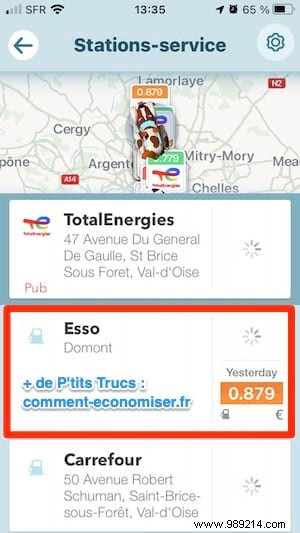
Set fuel type in Settings > Gas stations, then during nav, swipe up > Stops for nearby cheapest options by price or brand.
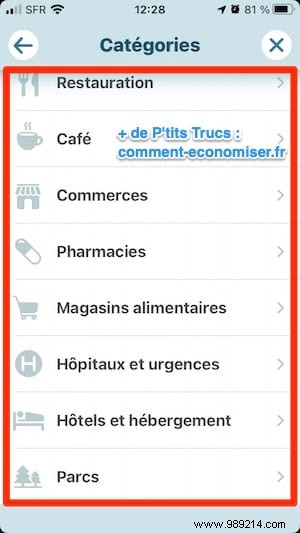
Frequent users see tailored spots (restaurants, attractions) above ETA—tap to explore. Casual users get fewer.
